A scanner that doesn’t suck.
Hold your iPhone over a page and it scans itself. PaperDude is a free document scanner. It hands you a plain PDF to send to any app.
Coming soon to the App Store
The deal
- No account.
- No subscription.
- No watermark.
- No page limit.
How it works
-
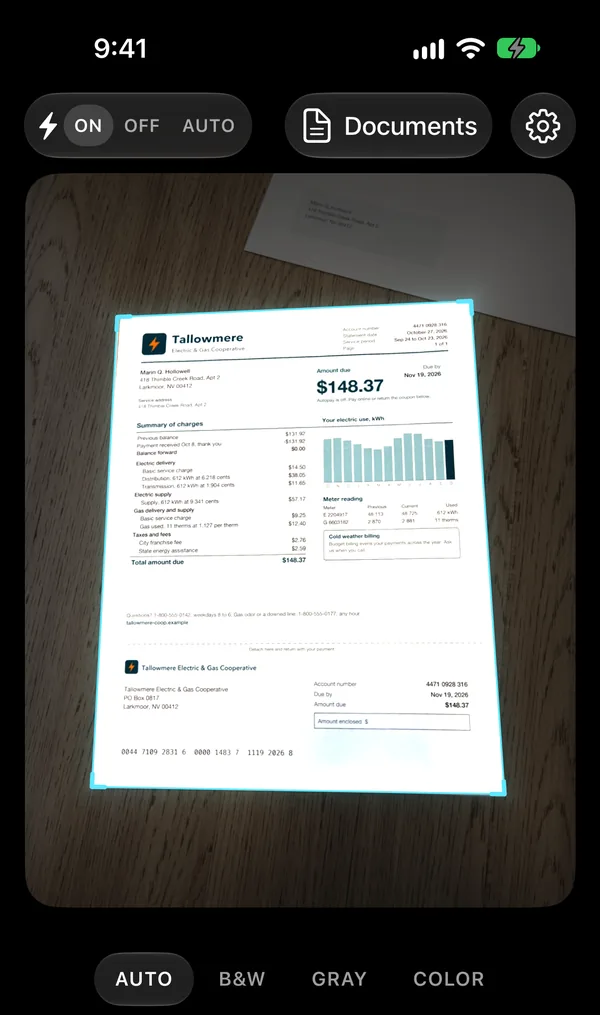
Hold it over the page.
PaperDude finds the edges, waits for your hand to steady, and takes the scan by itself. Turn the page and it takes the next one. The shutter is always there if you want it.
-
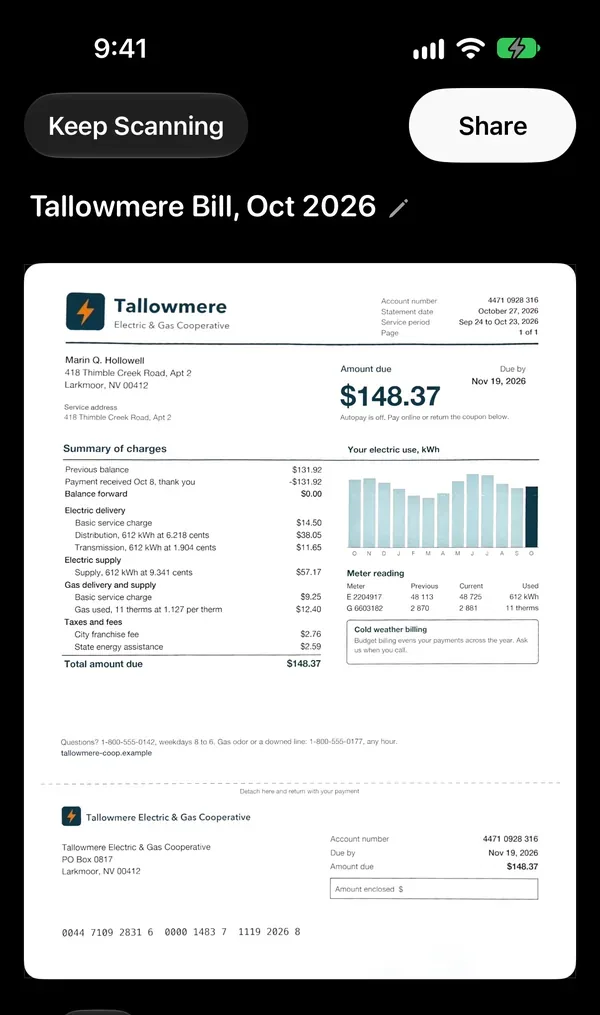
Tap Done.
Your pages come back straight and clean, in the look that suits them: black and white, gray or color. You can pick a different look, and the original is one tap away.
-
Send it.
Apple's share sheet opens with your PDF. Mail, Messages, WhatsApp, Notes, Dropbox, Google Drive, Files, AirDrop: whatever is on your phone.
One page, open to sent, in under ten seconds.
The edges
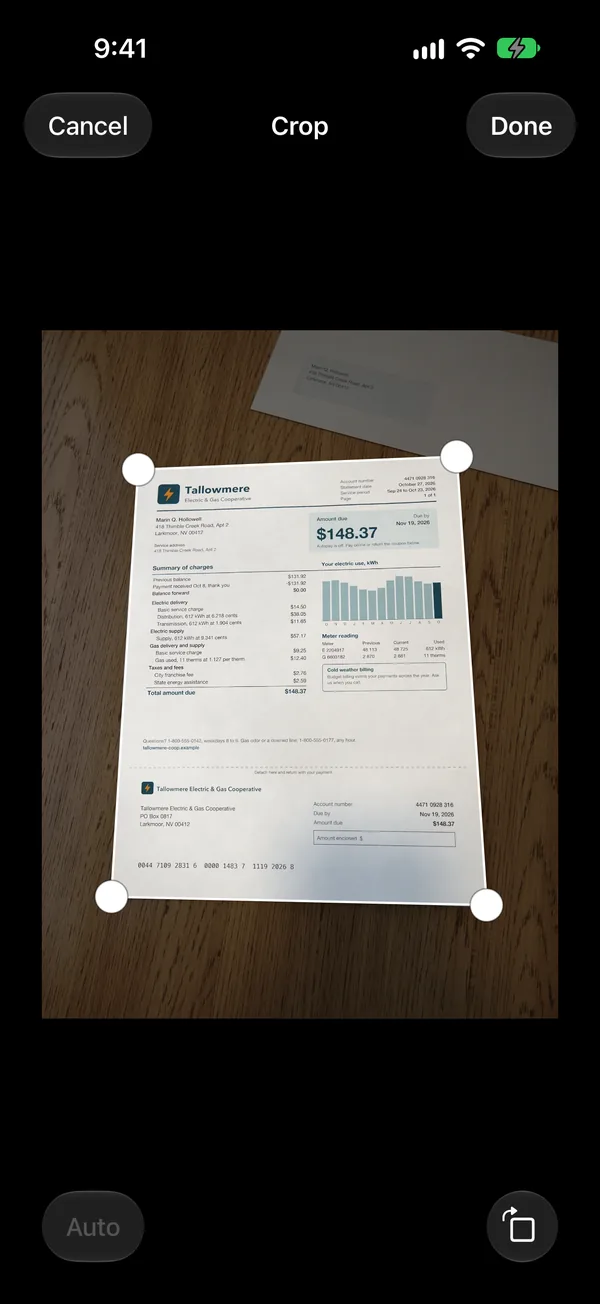
Wrong corner? Drag it.
In the review, tap Crop and drag the four corners. A magnifier follows your finger. Corners you set stay where you put them, and Auto goes back to the ones the app found.
Your pages
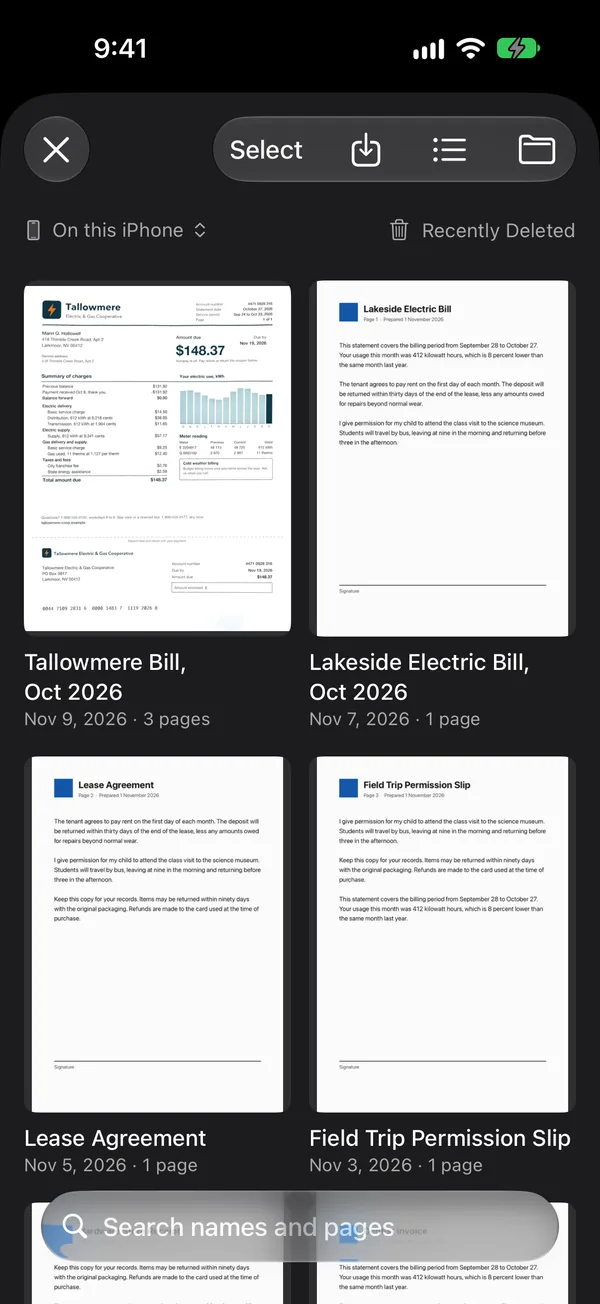
Plain files, on your phone.
Every scan is a PDF you can see in the Files app. Scanning needs no connection. The app has no server of ours to send your pages to, so we never see them.
Made for iPhone, iPad and iPhone Duo. Read the privacy policy.